

If you’re familiar with Metasploit, you’ll find Recon-ng to be a powerful counterpart for reconnaissance and open-source intelligence (OSINT). This tool streamlines the information-gathering process by providing a command-line interface.
Recon-ng offers an array of configuration options that allow you to fine-tune your reconnaissance efforts and generate various report types based on your findings. Whether you’re an experienced OSINT practitioner or a newcomer, Recon-ng can be a valuable addition to your toolkit.
Installation
You can Install by going to github and download the zip file and extract it. Or You can run:
git clone https://github.com/lanmaster53/recon-ng.git
You then need to cd into recon-ng and run pip install requirements after this run recon-ng.
you can do sudo apt-get update && sudo apt-get install recon-ng. if you did it this way you can launch by typing recon-ng
I ran into a problem with java not being install. I Just installed java and then it worked. Also don’t worry about all the red errors. This is just the APIs i will get to this in part 2.
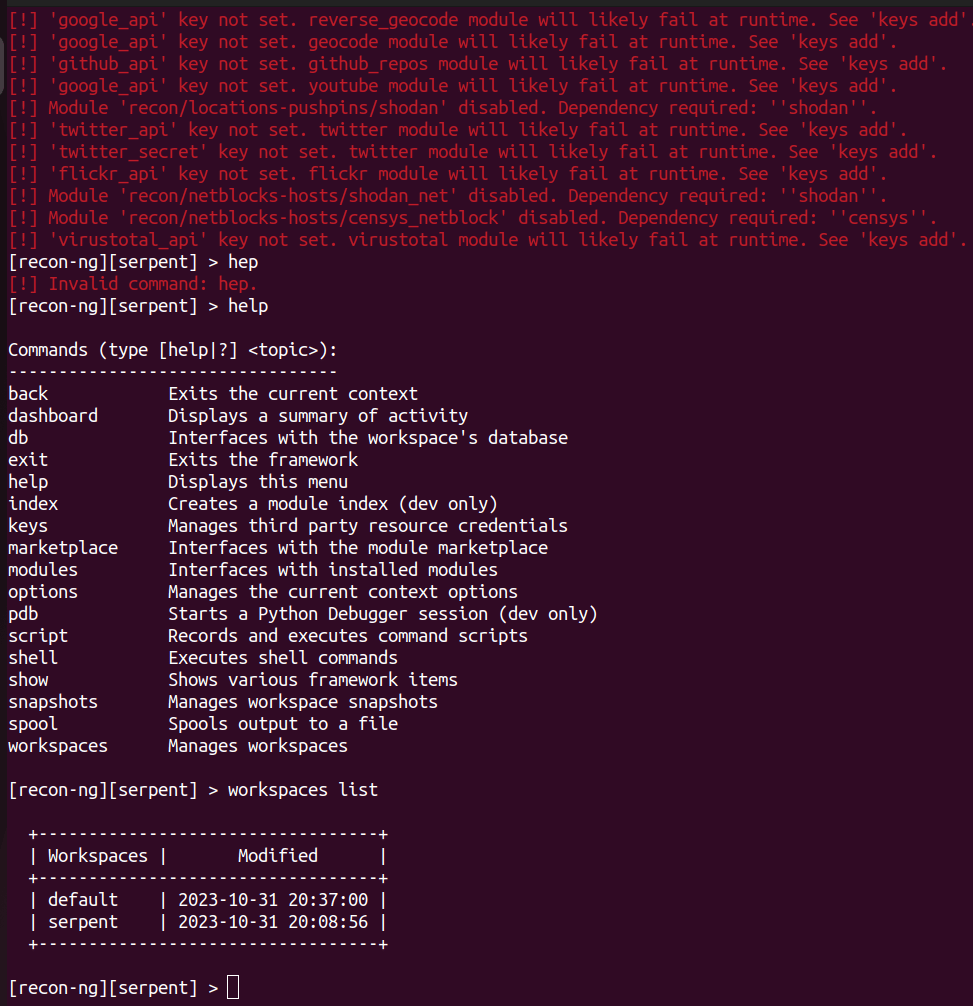
Here we start of with the help command very basic. I have also listed the workspaces available. To create your own type:
Workspaces create BlackHIlls. You can choose any name you wish.

Then list workspaces again.
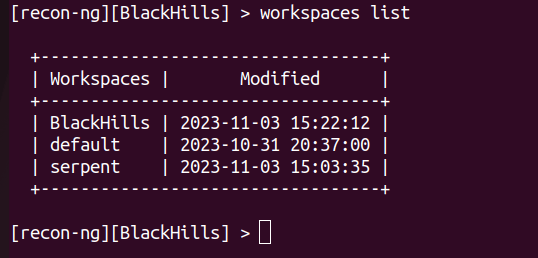
If use the command:
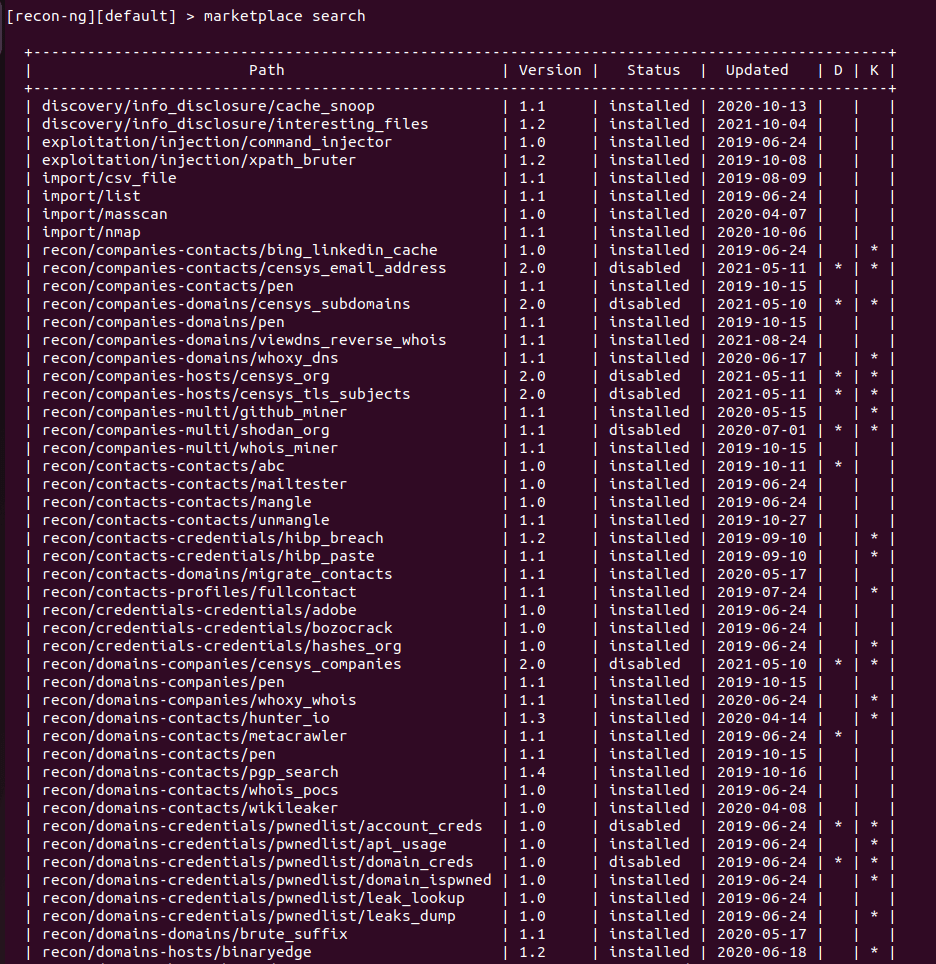
marketplace search
This will list all of the modules. It will tell you what’s installed and what is not, plus in the last columns D and K Dependences and Keys. You will need some API keys for some tools. I will cover this in part 2.
If you type:
Marketplace install all
This will install all of the of the modules you can use.
You can then type:
Marketplace info all
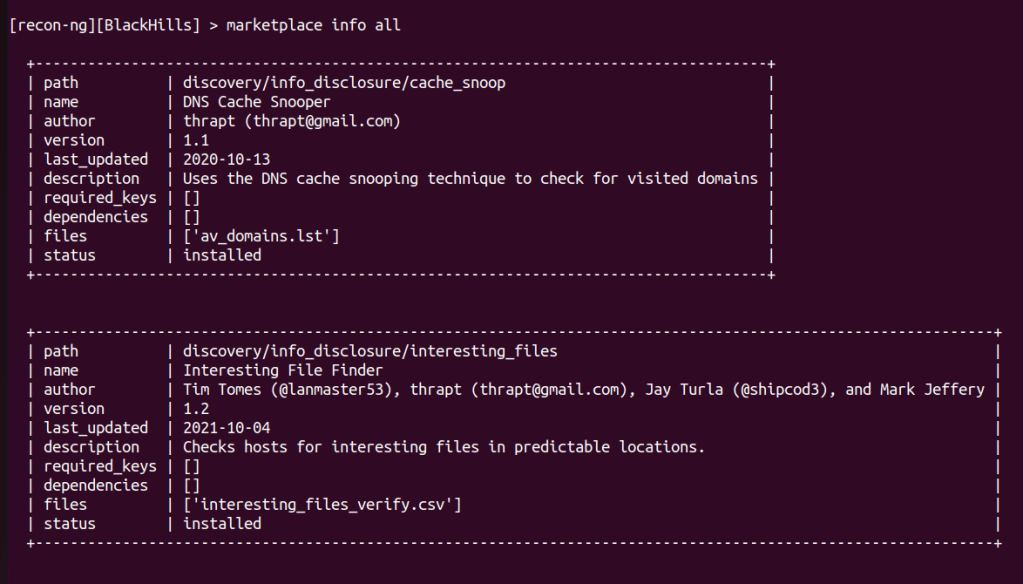
Here it will show you all of the modules and what they are used for. There is API keys for some of the modules. I will show this in the next part.
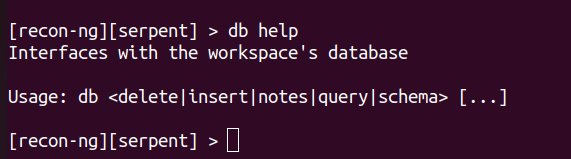
This is the DB help command. The next one i will show is the command:
db insert
With this command you can insert any website and with some of the modules you run, you don’t have to insert the website manually everytime.
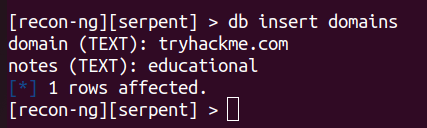
Here i entered tryhackme.com. For the notes i just put educational, but you can put whatever you need to.
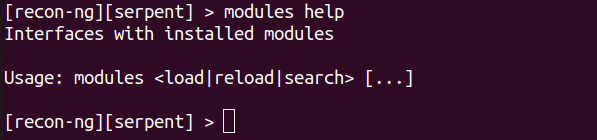
Here is the modules help command.
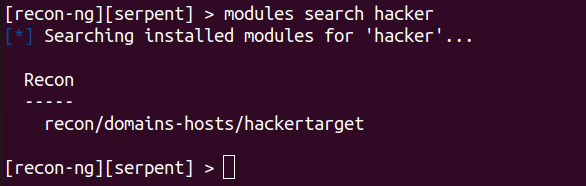
When you search you can use part of the module name or all of it to search.
Modules search hacker
Or
Modules search recon/domains-host/hackertarget

Similarly when you load a module, you can use the last part of the name or the whole name.
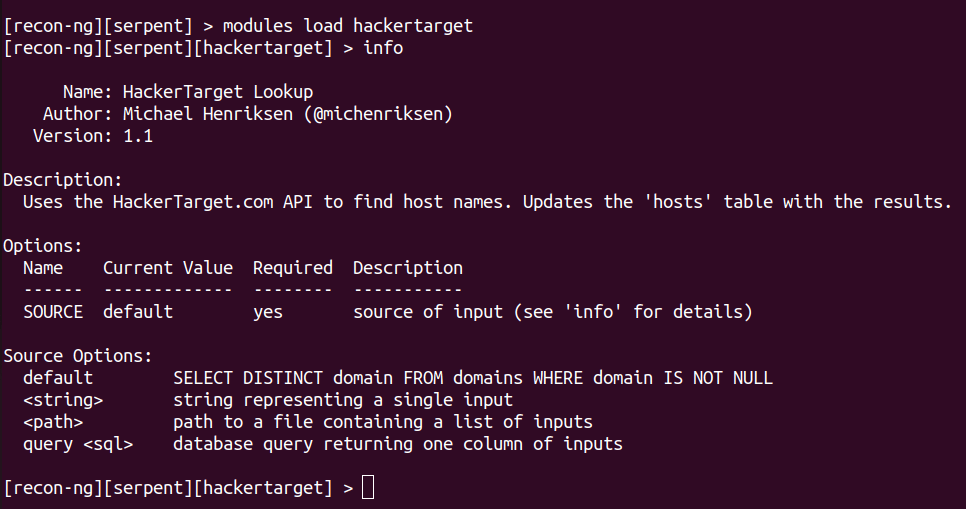
Once loaded you can type:
Info
This will give you information about this particular module and what the options are for it to work.
To see any options you can type:
options help
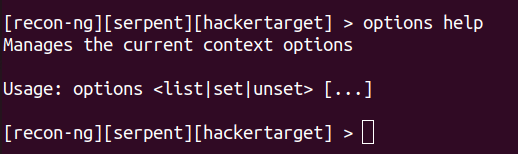
Now because we typed the website tryhackme.com earlier at the beginning, using db insert all we have to do now is hit run command.

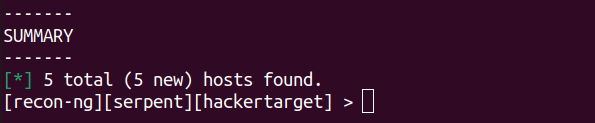
Here we can see the results. i did not show them all, but you get the picture.
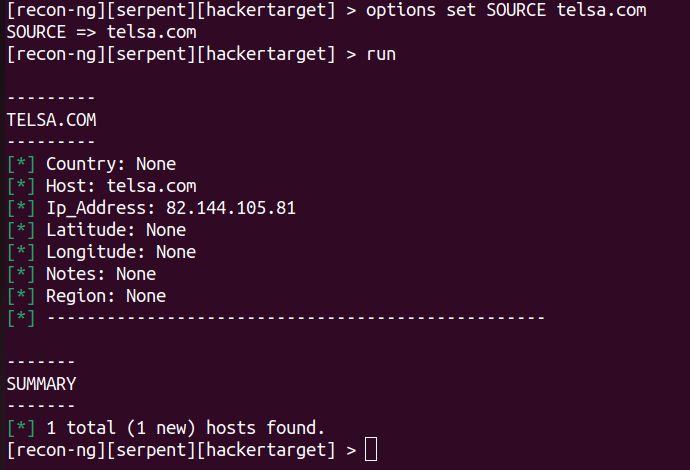
Here we try a different website so i use the command:
options set SOURCE telsa.com
This is what you would do with every website if you did not use db insert.
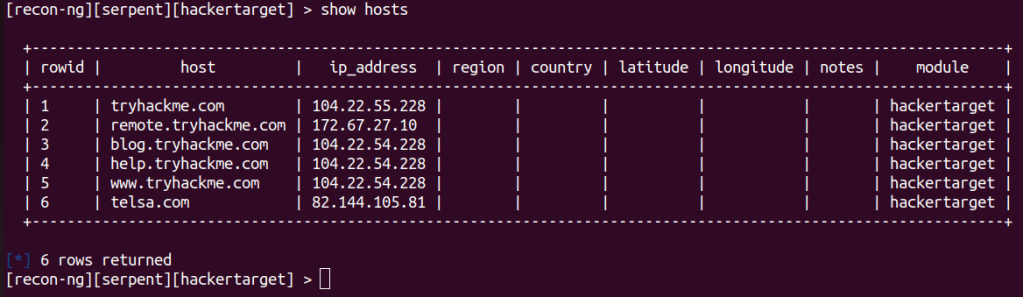
The show host command will pull the host you have used and received.
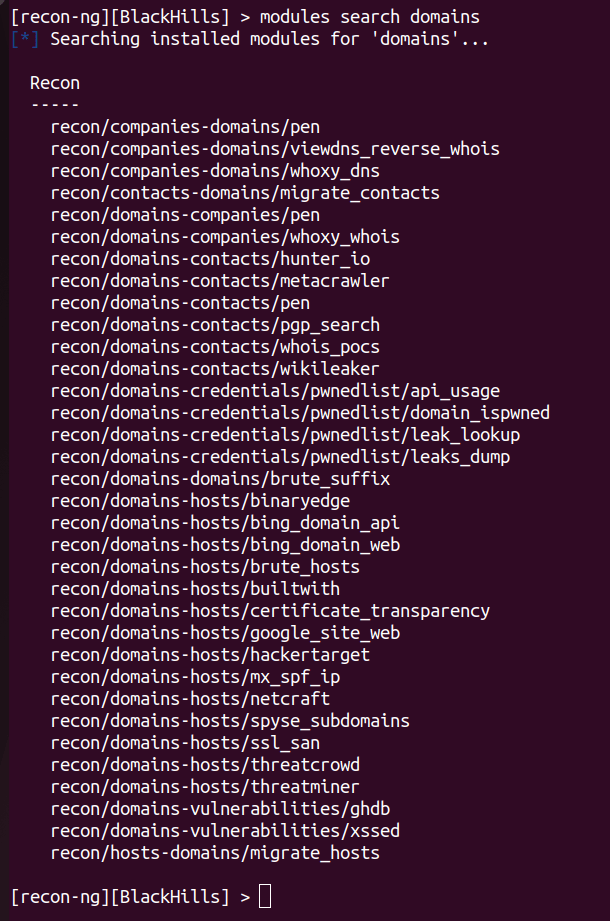
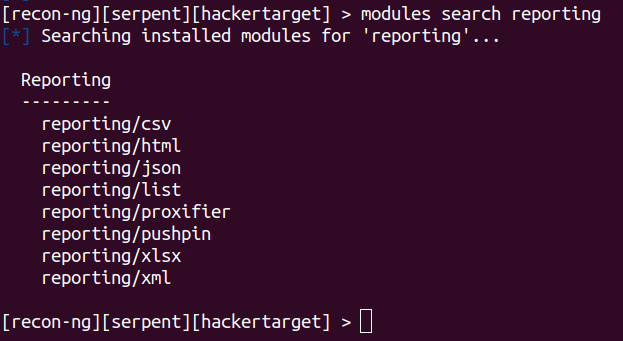
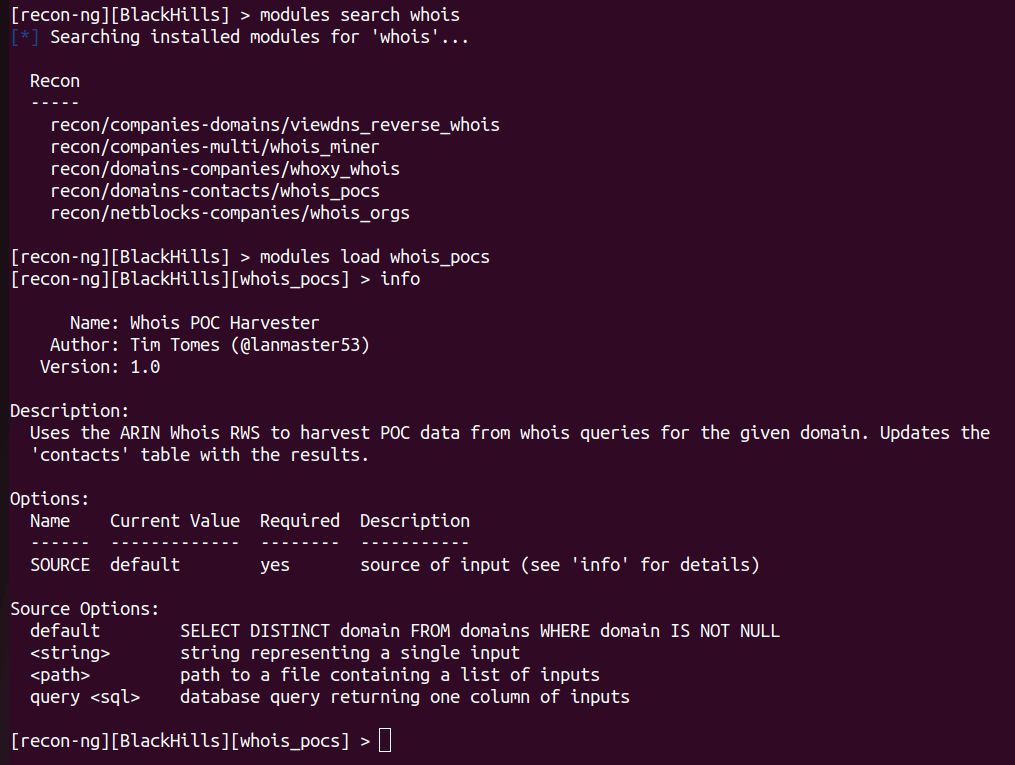
Here are some more images of the different searches you can do.
In the next part i will show APIs and what i consider to be better searches and modules to use.




 StealthCyberOps
Leave a comment