

In this post i will show you how to set up a kali linux encrypted persistence with a ssd, but this can be done with usb or external hard drive.
First download balena Etcher or something similer like rufus. You can use them both on linux, mac or windows.
You want to flash the drive that you want kali linux on, the ssd, external hardrive or usb. Normally you need a drive that is 8g plus. This is recommended.

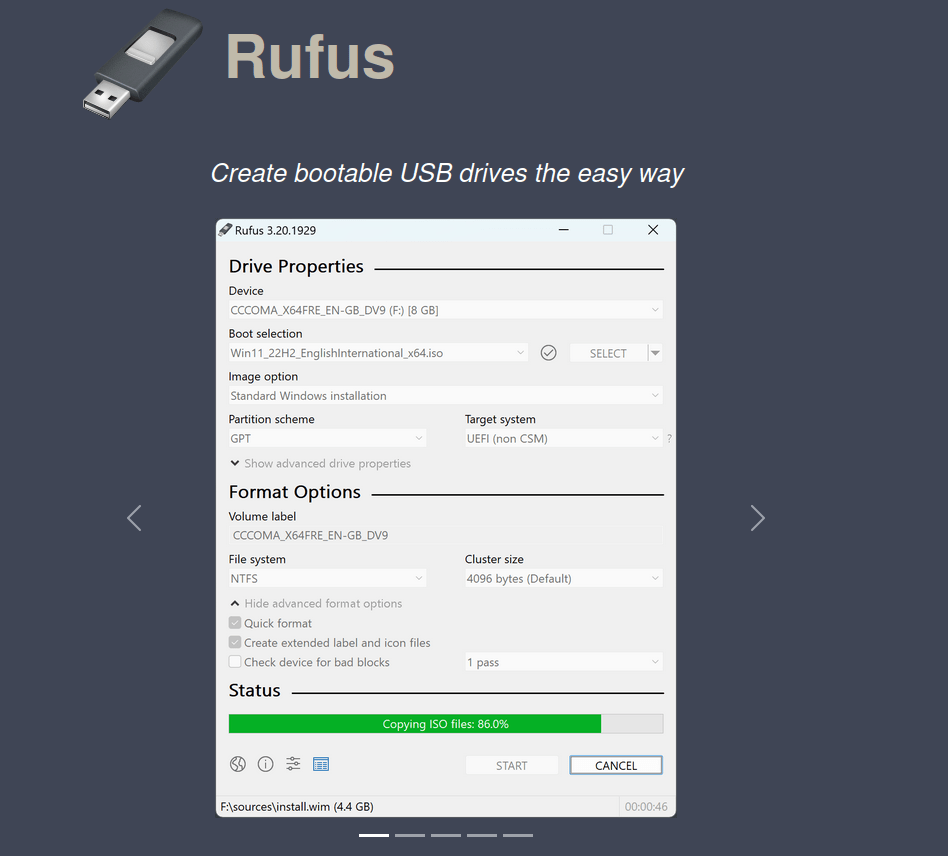
Once this process is complete plug your drive into your computer. You can then boot from the bios screen. The buttons to get to your bios screen differ with computer, mine was the del button. usually you can look up your computer and find the one that works for your computer. If you then go to the save and exit, somewhere on that screen you should see your usb name, click it and it should start to run.
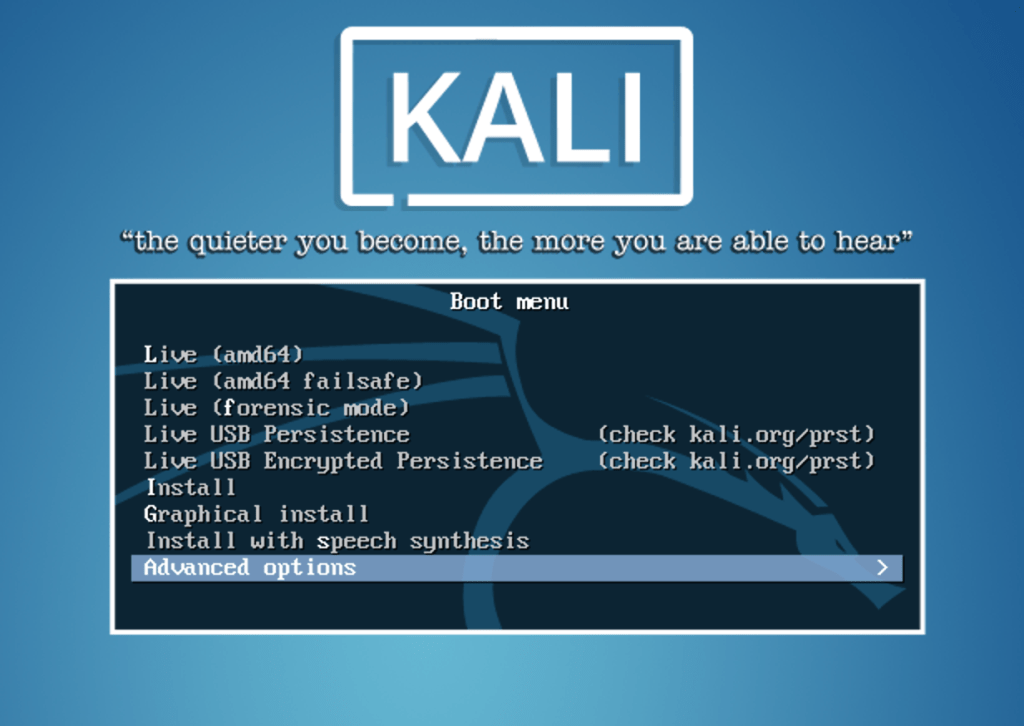
Now when it loads up the kali boot screen i picked the top one, live (amd64).
Load up a terminal. and type the following. You may need to put sudo in front of all commands.
lsblk
You should see sdb or sdc this will be your drive and you should recognize the size and now which one is yours. If you have an ssd pluged in to your computer with your normal OS, this will probably be sda.
fdisk /dev/sdb <<< $(printf "n\np\n\n\n\nw")
When the command above is finished, you can run lsblk again you should see a new partition something like /dev/sdb3.
Encrypt the partition with LUKS:
cryptsetup --verbose --verify-passphrase luksFormat /dev/sdb3
you will be asked to put in a password and then to verify it again.
Open the encrypted partition:
cryptsetup luksOpen /dev/sdb3 my_usb
When you run this command you may be asked to put in the password you just created.
Create an ext4 filesystem and label it:
mkfs.ext4 -L persistence /dev/mapper/my_usb
e2label /dev/mapper/my_usb persistence
Mount the partition and create your persistence.conf so changes persist across reboots:
mkdir -p /mnt/my_usb
mount /dev/mapper/my_usb /mnt/my_usb
echo "/ union" | sudo tee /mnt/my_usb/persistence.conf
umount /dev/mapper/my_usb
Close the encrypted partition:
cryptsetup luksClose /dev/mapper/my_usb
Now you can reboot. when you come to the kali boot screen this time you will go down to the encrypted persistence tab and click this one.
When it ask you to put in your password, pay attention to the letters when it ask you, it normally comes up with sda, click the enter button and it will ask you if you want to enter the password again click N and you should see either sdb or sdc whatever one you were using above. Then enter the password you created.
After this you should be in. Once in kali, create a random file and place it on the desktop. restart the machine agin and load it back up, the file you created should still be there and you now have persistence.





Leave a comment