
This is Social-Analyzer, a multifaceted OSINT (Open-Source Intelligence) tool meticulously engineered to delve into the vast expanse of social media and online platforms. Social-Analyzer offers a unified solution, encompassing API, CLI, and Web App functionalities, enabling users to analyze and unearth information across over 1000 social media and websites. Tailored with diverse analysis and detection modules, this tool empowers investigators to curate their investigation process by selecting specific modules suited to their needs.
Install:
Do a sudo apt update and upgrade
pip3 install social-analyzer
This is how i installed Social-Analyzer, but there are multiple ways to install. i will link github.
https://github.com/qeeqbox/social-analyzer.git
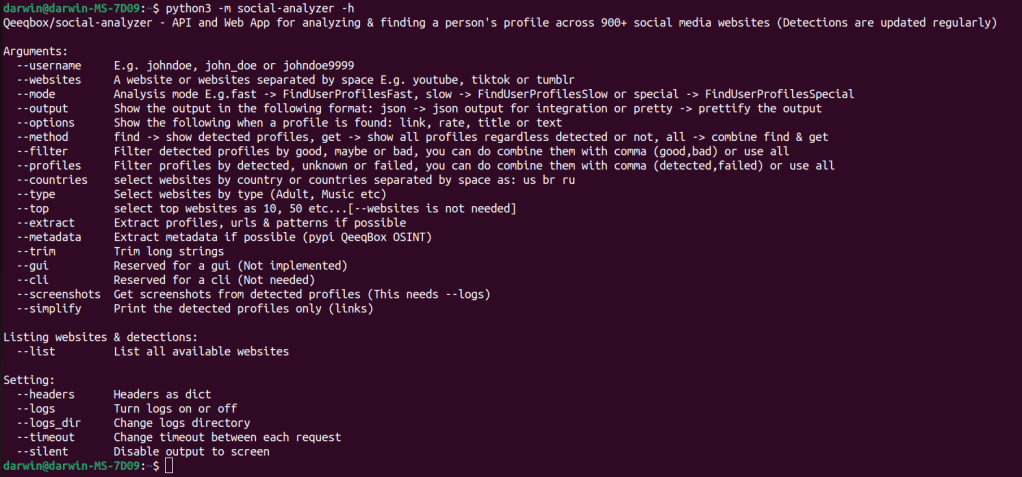
This is the help menu for social-analyzer.
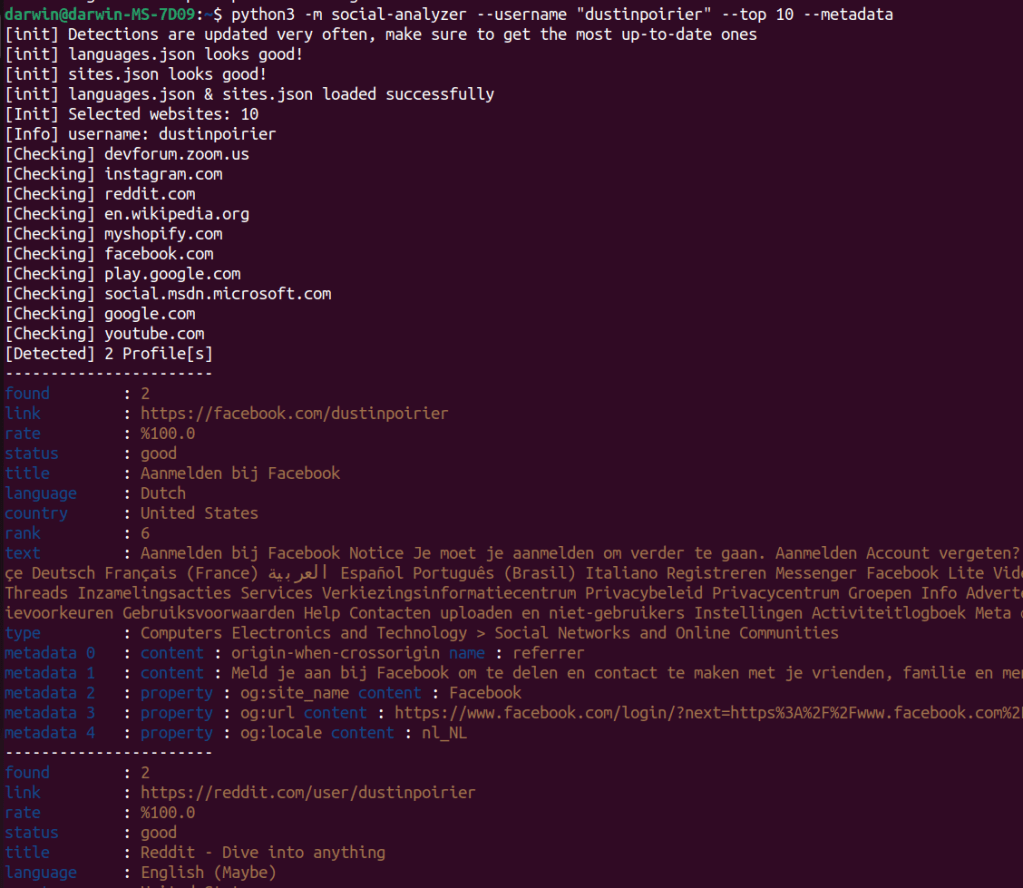
python3 -m social-analyzer –username “dustinpoirier” –top 10 –metadata
This is a test search that i did. i have username, top 10 and metadata. The top 10 is for the top 10 websites. Metadata will collect any that is available.
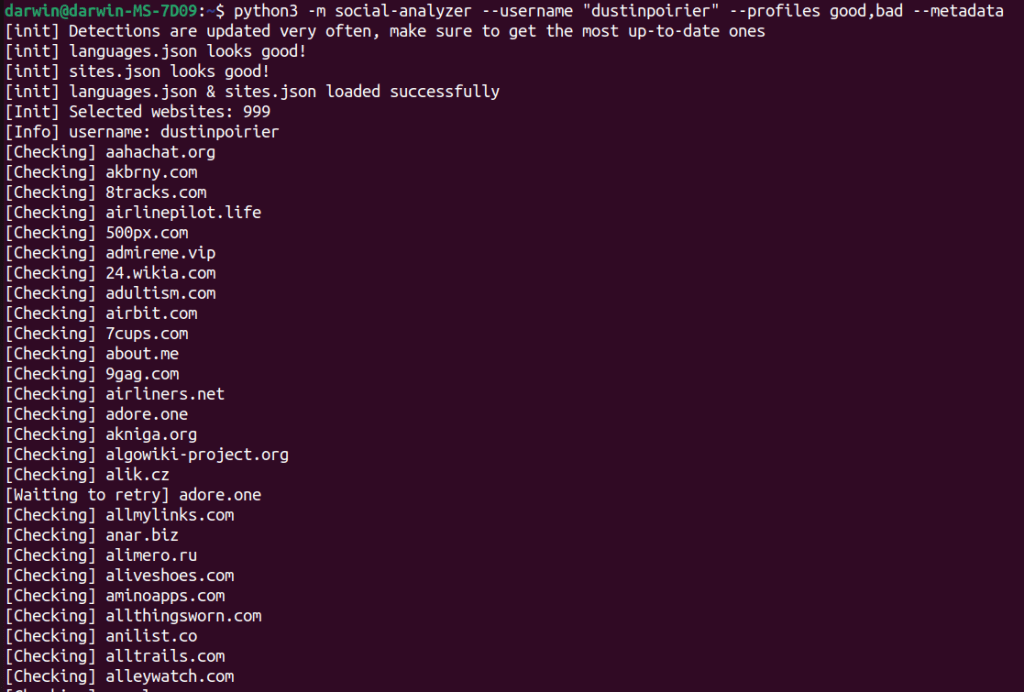
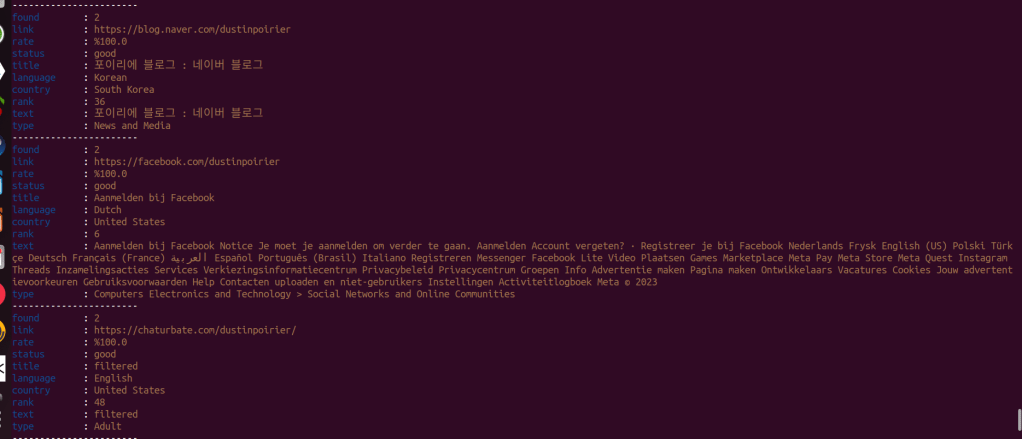
python3 -m social-analyzer –username “dustinpoirier” –profiles good,bad –metadata
This command checks 999 websites for any usable profiles.
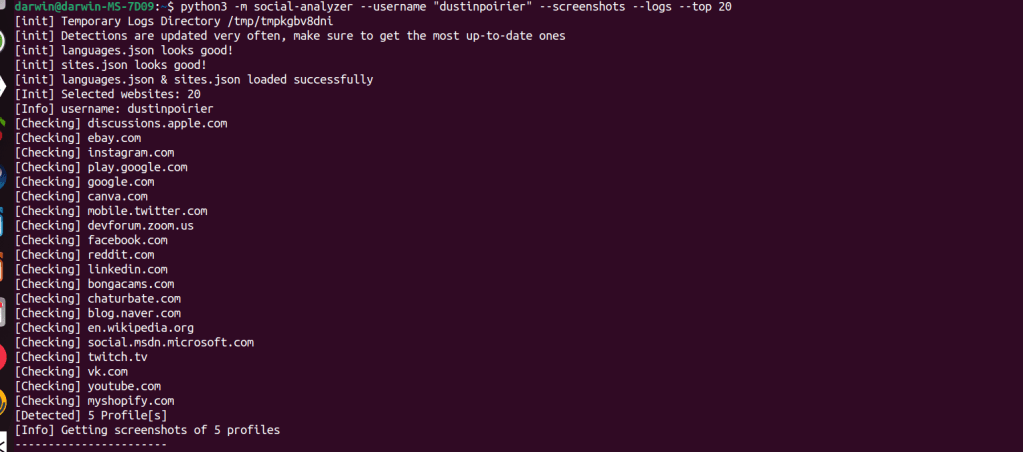
python3 -m social-analyzer –username “dustinpoirier” –screenshots –logs –top 20
With this command i trying to get screenshots with the top 20 websites. The screenshots didn’t connect to the name in this search.
i think this tools is good. There are a lot more combination available with this tool. The more unique the username the more luck i think you will have.




 StealthCyberOps
Leave a comment