

Another OSINT tool i will share today is Sherlock. Similar to Social-Analyzer, but a much tidier display.
Install:
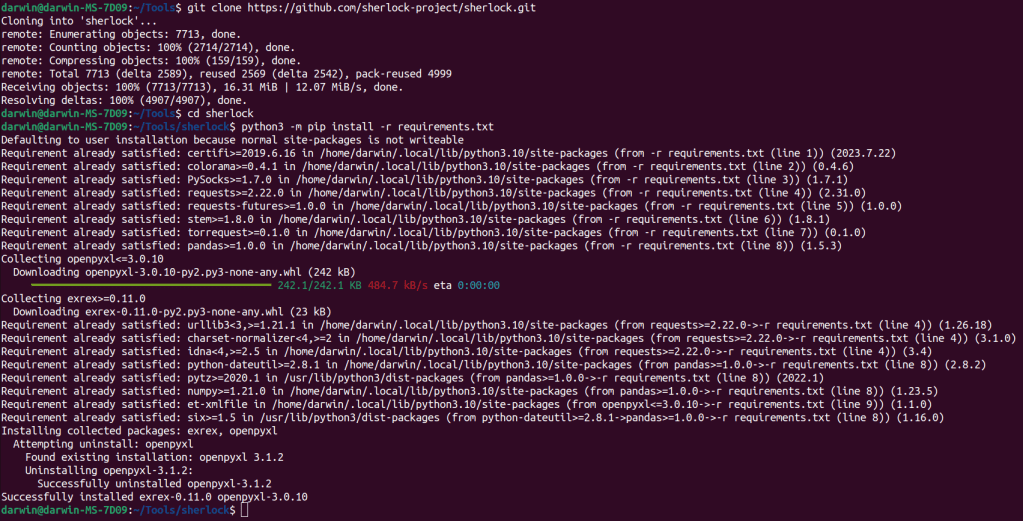
clone the repo:
$ git clone https://github.com/sherlock-project/sherlock.git
cd ino directory
$ cd sherlock
install requirements:
$ python3 -m pip install -r requirements.txt
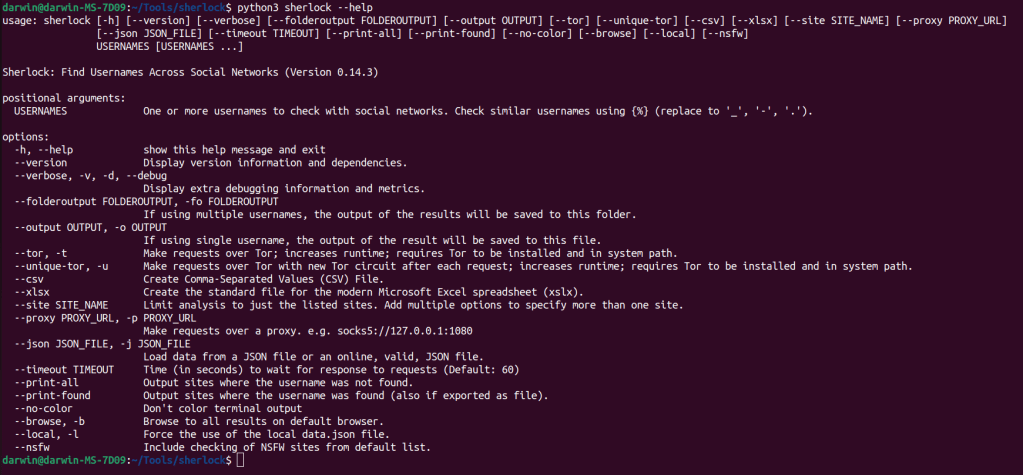
Python3 sherlock –help
This command shows you the options for how to use sherlock.
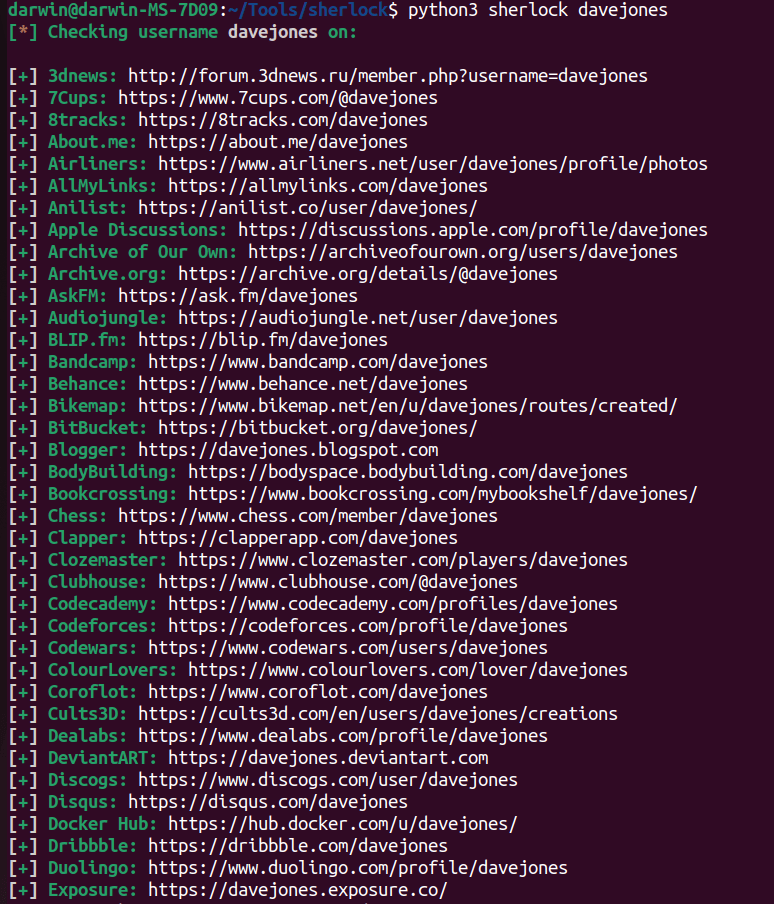
python3 sherlock davejones
This starts of the search for the username you are looking for. As you can see a nice tidy display of results.

The results will depend how many websites the name is found on. Some results may only come back with 10 results, others 90 just depends on the username you input. Each result is kept in a txt file in the sherlock directory.
A rather simple tool to use. If you find usernames of your target that they have used on other sites like instagram or facebook, input them on sherlock and could find a whole lot more OSINT information.




 StealthCyberOps
Leave a comment