
Tails OS, also known as The Amnesic Incognito Live System, is a fascinating piece of technology that prioritizes privacy and anonymity for its users. Born from the need for secure communication, Tails OS is a live operating system that you can start on almost any computer from a USB stick or a DVD. It’s based on Debian Linux and is designed to leave no trace on the computer you’re using after you shut it down.
The idea behind Tails is simple yet powerful: when you use Tails, it’s as if you’re using a brand new, untraceable computer every time. This is because Tails doesn’t rely on the computer’s hard disk and runs independently from the host operating system. Instead, it operates exclusively from the computer’s RAM, which is automatically erased when the computer is turned off. This means that all your activities, from the files you’ve opened to the websites you’ve visited, leave no digital footprint.
Tails OS is particularly known for its connection to the Tor network, which anonymizes your internet traffic by routing it through multiple servers around the world. This makes it incredibly difficult for anyone to track your online activities or determine your physical location. It’s a system that has been crucial for journalists, activists, and anyone who needs to keep their digital life confidential.
The operating system includes a variety of pre-installed software tailored for privacy, such as the Tor Browser, Thunderbird for encrypted emails, KeePassXC for password management, and many more tools designed to secure your data and communications. Tails OS is open-source, which means its code is available for anyone to inspect, contribute to, and improve, ensuring that the system remains secure against vulnerabilities.
Tails OS has a rich history, with its initial release dating back to 2009. It has evolved significantly since then, with the latest version being 6.3, released just a week ago as of this writing. It’s a testament to the dedication of the Tails Project and the open-source community that continues to support and develop this privacy-centric operating system.
Installing:
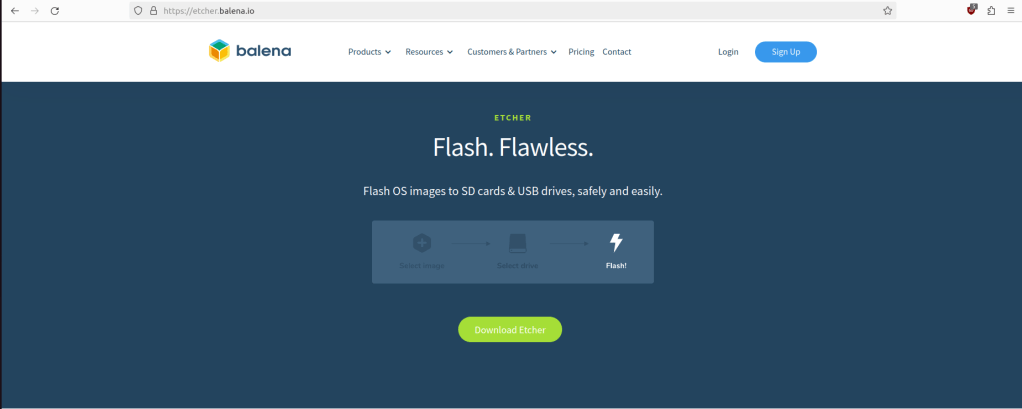
First make sure you have a USB. You can install it on most sizes, but 4g and above is always good. Then Go to https://etcher.balena.io/ This is used to flash your USB and place Tails OS on there.
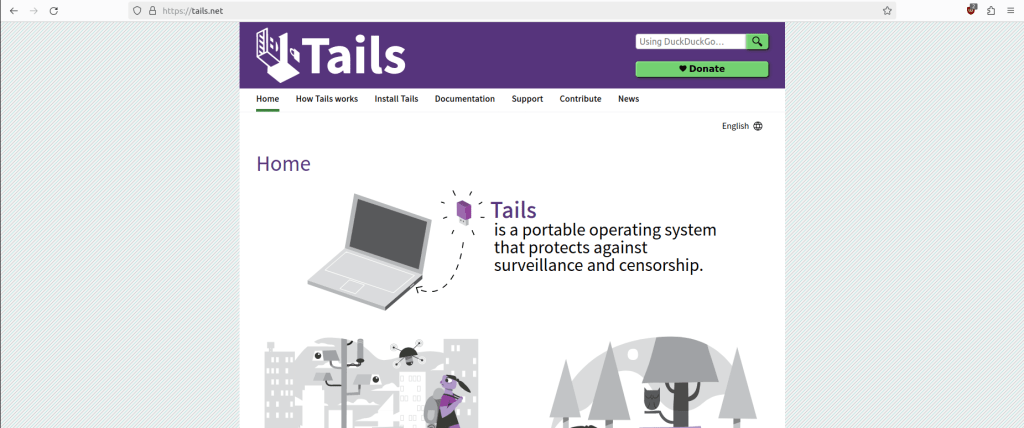
Then go to https://tails.net/ You should follow the path which suits you, whether you are using Windows, Linux or Mac.
Once finished and you have the two downloads. Load etcher – click flash – Choose Tails OS – Select Target(your USB) – Click flash.
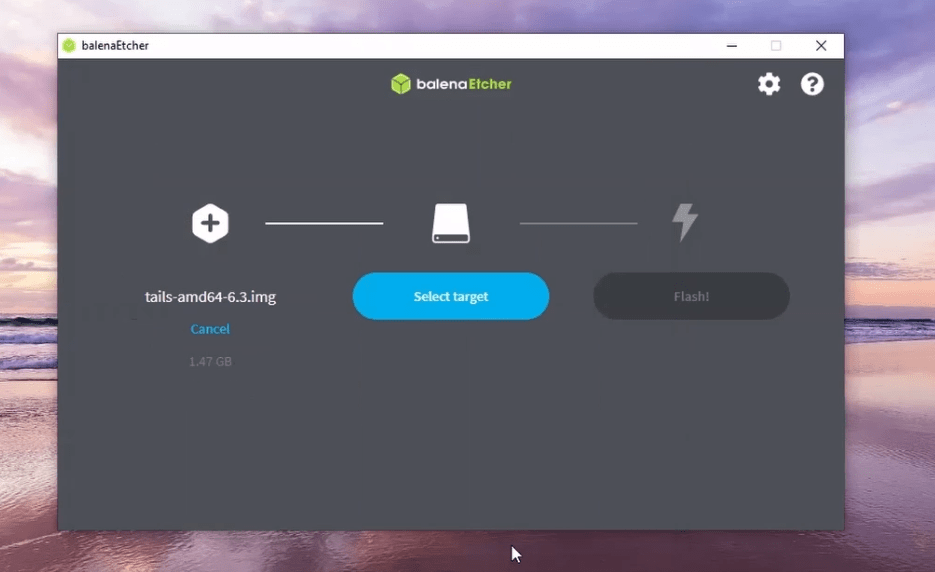
It may take about 3-4 minutes. Once finished restart computer with USB and you should have an Tails OS. Depending on your computer you will need to know how to boot from your USB, normally its something like f8 or del. Boot from your new USB and Tails OS should load up. I think navigating round Tails OS should be straight forward.
For those interested in digital security and privacy, Tails OS represents a robust solution. It’s a tool that empowers its users to control their digital footprint and protect their personal information in an increasingly connected world. Whether you’re a privacy enthusiast or someone who needs to ensure the confidentiality of your work, Tails OS is definitely worth exploring. For more detailed information, you can visit the official Tails website.




 StealthCyberOps
Leave a comment